Coming soon to iPhone, iPad, and the web
Envelope budgeting that shows what's left, right now.
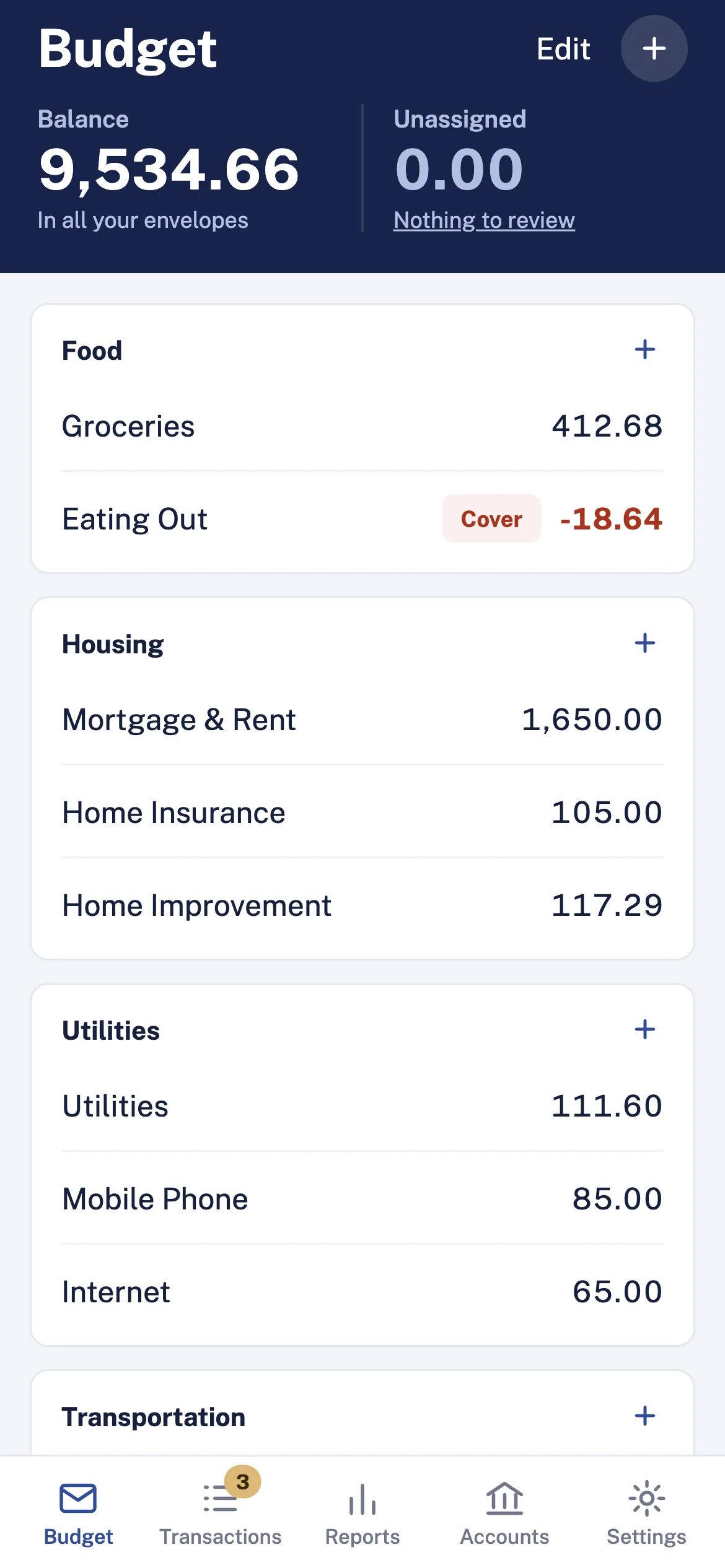
Split your money into envelopes. Bank transactions land in a best-guess envelope for a quick review, and balances carry over month to month, so you always know what you can spend.
Get an email when Vima Budget launches.
Just the launch email and the occasional update while it's being finished. Unsubscribe anytime.
How it works
How envelope budgeting works
Envelope budgeting is the cash envelope system without the cash. You decide where each dollar goes before you spend it, and each envelope shows exactly what's left. Vima Budget keeps the envelopes and does the math for you.
-
1
Money comes in
Income lands in Unassigned, the holding envelope for money without a job yet.
Example:
Paycheck +$2,400.00Unassigned $2,400.00 -
2
Split it into envelopes
Spread it across envelopes like Rent, Groceries, and Savings, as much or as little as you like.
Example:
Rent $1,200.00Groceries $500.00Savings $700.00 -
3
Spend from envelopes
Each purchase comes out of its envelope, so every balance shows what is left right now.
Example:
Grocery store -$157.82Groceries left $342.18
Features
Built for the way envelope budgeting actually works
No monthly reset
Envelope balances carry forward indefinitely. Leftover grocery money stays in Groceries until you use it or move it.
Bank transactions, sorted for you
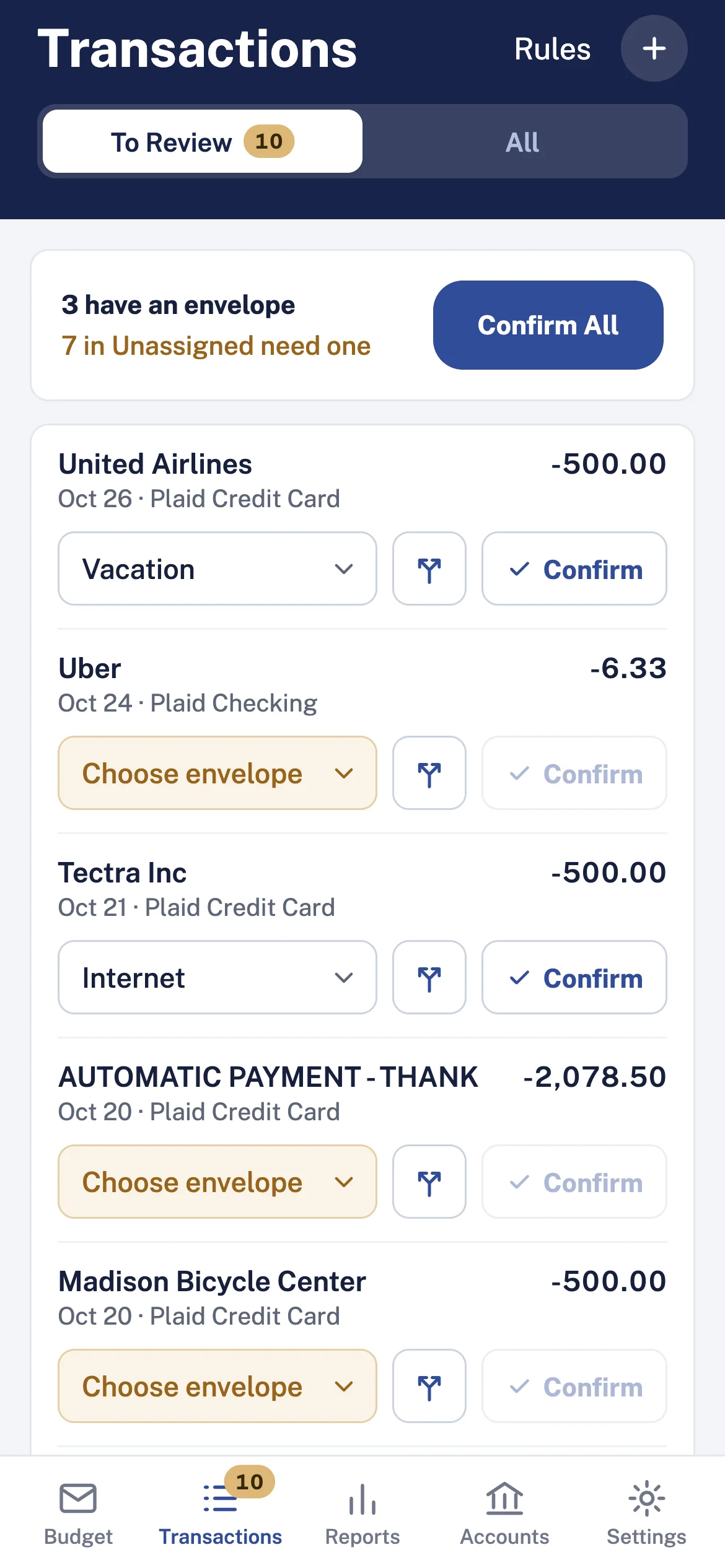
Link a bank through Plaid and new transactions arrive in a best-guess envelope, waiting for a quick review.
Apple Card and Apple Cash too
On iPhone, bring in Apple Card, Apple Cash, and Savings from Apple Wallet, right next to your bank accounts.
Rules for the places you shop
Write a rule once, like a keyword for your grocery store, and matching imports land in that envelope, ready to confirm.
Split anything, even a paycheck
Split one store run across three envelopes, and save your paycheck's usual split as a template.
Cover overspending in one step
An overspent envelope shows in red. Cover it from another envelope and the budget balances again.
Switching budgets
Coming from YNAB? Bring your whole budget.
Import your YNAB export when you set up Vima Budget, and start from the budget you already have instead of a blank one.
-
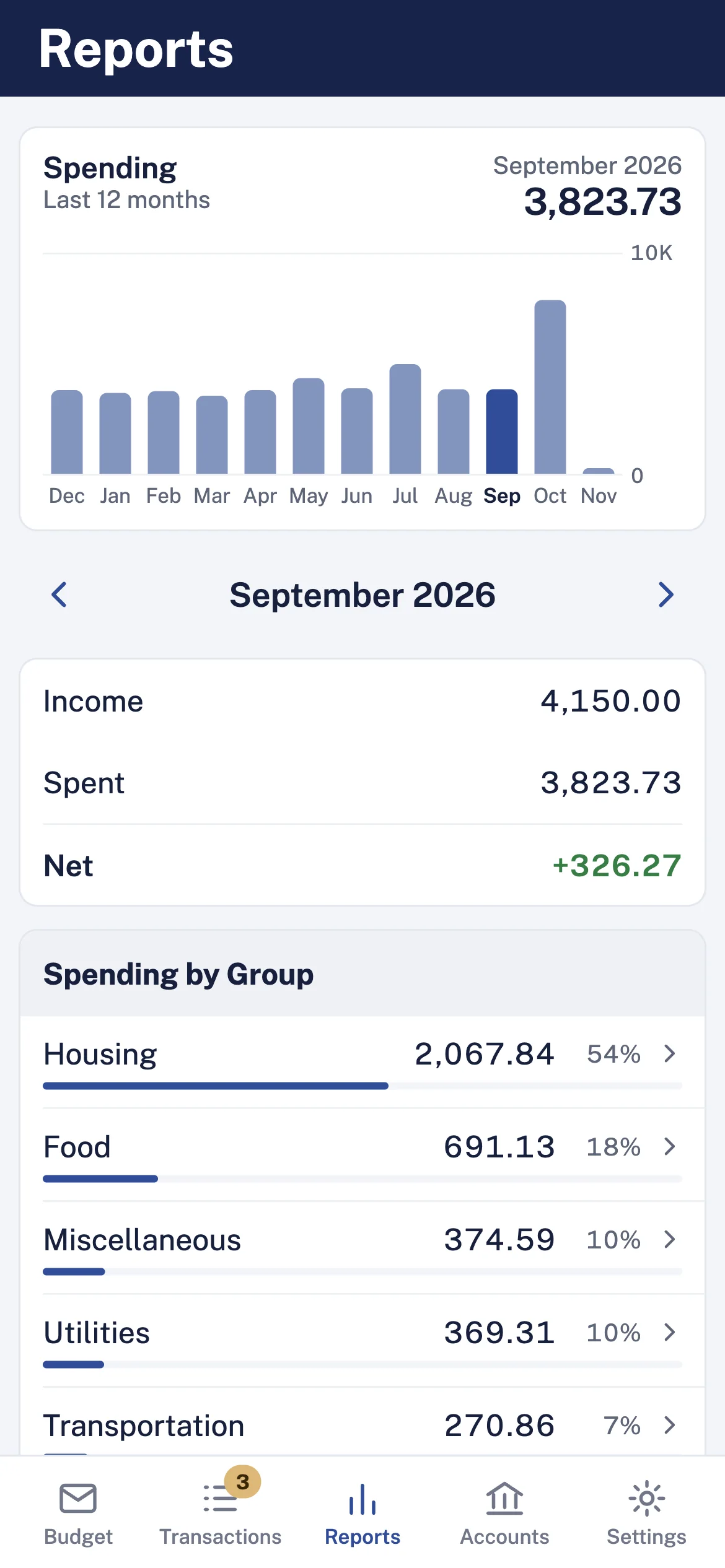
Your envelopes come over with their whole history, and every balance matches what YNAB showed, month by month.
-
Then link your banks. Each one continues its YNAB account and matches the transactions you already have.
One budget on every device
Launching on iPhone, iPad, and the web at the same time. Changes show up on your other devices right away.
iPhone and iPad
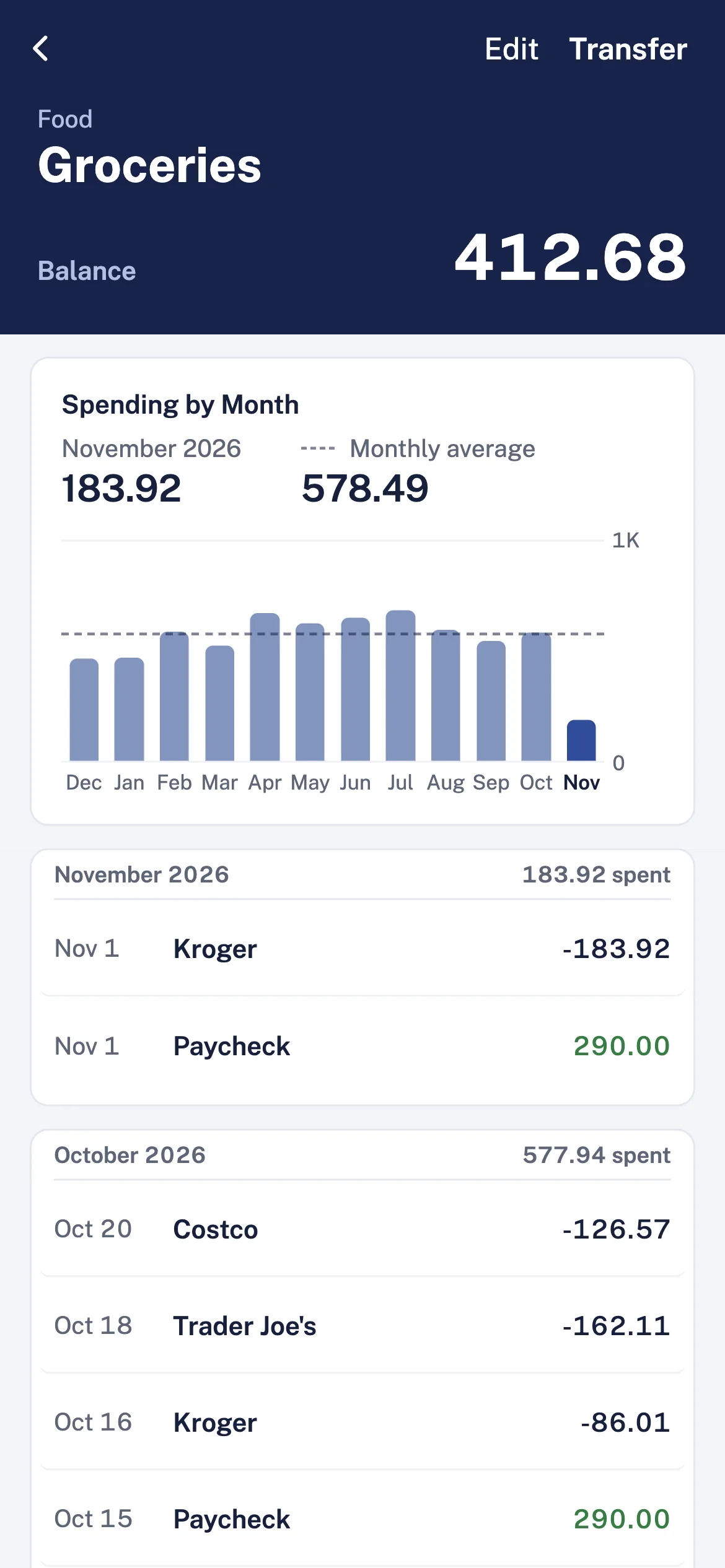
Coming soonThe full app, with swipe actions on envelopes and live updates from your other devices.
Android
Coming soonThe Android app comes later. Until then, the web app works in your phone's browser, with the same budget.
Web and Mac
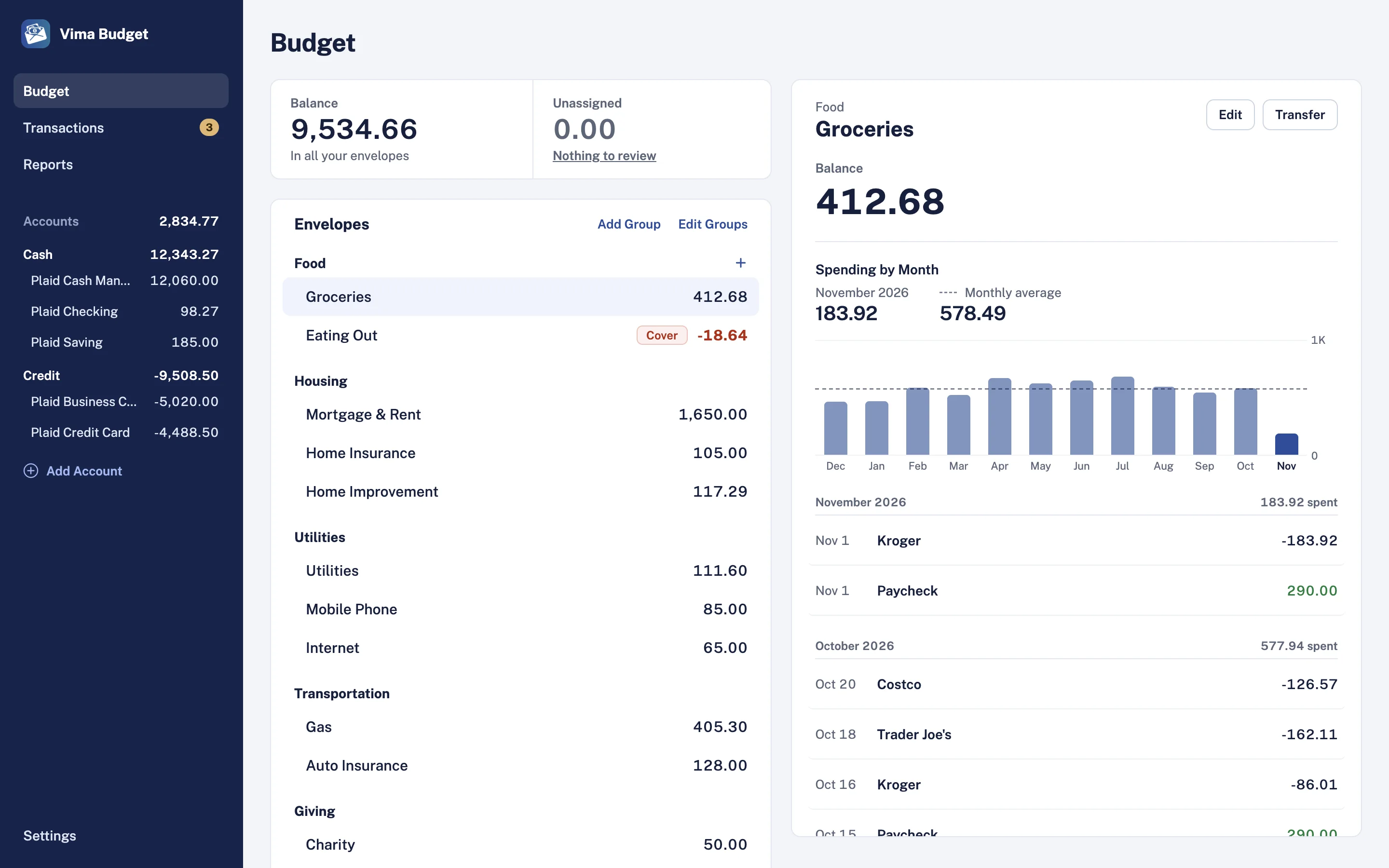
Coming soonA desktop layout with a sidebar and keyboard shortcuts. On a Mac, add it to the Dock from Safari.
Pricing
Try it for a month before you pay
Every plan starts with a 1-month trial. Cancel before it ends and you won't be charged. One subscription covers your iPhone, iPad, and the web.
Yearly
$99.99 a year
Save 44% compared with paying monthly.
Monthly
$14.99 a month
Pay as you go.
Prices in US dollars.
Your bank login stays with Plaid
A budgeting app that links to your bank has to earn your trust. Here's how your account and bank connections are protected.
-
Your bank login goes to Plaid, never to us.
-
Two-step verification is required before linking a bank.
-
Delete your account, budget, and bank data from the app at any time.
A few records, such as security logs and short-lived backups, are kept for a limited time after you delete your account. The privacy policy lists them.
Made by a small, independent developer
Vima Budget is built by Derek Clark at 30 South LLC, the team behind the Vima apps since 2014. No ads, and your budget isn't sold to anyone.
Questions
When does Vima Budget launch?
We don't have a date yet. Leave your email and we'll tell you when it's out.
How much does Vima Budget cost?
$14.99 a month or $99.99 a year, and every plan starts with a 1-month trial. One subscription covers all your devices.
Do envelope balances reset every month?
No. Whatever is left in an envelope stays there until you spend it or move it, so a slow month leaves you with more to spend next month.
Is my bank login safe?
You link a bank inside Plaid Link, so your bank username and password go to Plaid and never reach us. Two-step verification is required before you can link a bank.
More in Support and FAQ.
Want to know when it's ready?
Leave your email and you'll hear the day Vima Budget launches.